
Client portal vs CRM: which does your business need?
A CRM is for your team: it holds leads, clients, conversations and follow-ups. A client portal is for your clients: a private, secure place where they share information, upload documents and see progress without emailing you. Many businesses need both, connected, so what clients submit in the portal lands in the CRM automatically.
What's the difference between a client portal and a CRM?
| CRM | Client portal | |
|---|---|---|
| Who uses it | Your team | Your clients |
| Main job | Track leads, follow-ups, pipeline and history | Collect information, share documents and show progress |
| Typical features | Lead inbox, statuses, notes, reminders, reports | Secure sign-in, forms, uploads, downloads, status updates |
| Replaces | Spreadsheets and scattered inboxes | Long email threads and paper forms |
When do you need a client portal?
- Clients have to send you a lot of information or documents, such as financial details, forms or photos.
- You spend time chasing missing information by email or phone.
- Clients regularly ask where their job or application is up to.
- You need clients to come back later to update their details or download documents again.
When do you need a CRM?
- Enquiries arrive from several places and follow-ups slip through the cracks.
- Several people talk to the same leads and need a shared history.
- You want to know which marketing channels bring in your best clients.
Should the portal and the CRM be connected?
Usually, yes. When a client finishes a form in the portal, the CRM can create or update their record, set the next status and remind the right person to act. That removes re-typing and makes sure nothing waits in an inbox.
- 01
Client submits in the portal
Guided questions, uploads and a saved draft they can come back to.
- 02
The CRM updates automatically
The record, status and next step are set without re-typing.
- 03
Your team is reminded
The right person gets a reminder to review and respond.
- 04
The client sees progress
Status updates and documents appear back in their portal.
Off-the-shelf portal or custom-built?
Off-the-shelf portals suit standard document sharing. A custom portal makes sense when the information you collect is specific to your business, such as a mortgage fact find or an assessment, when you want it to generate documents automatically, or when it needs to feed your own CRM.
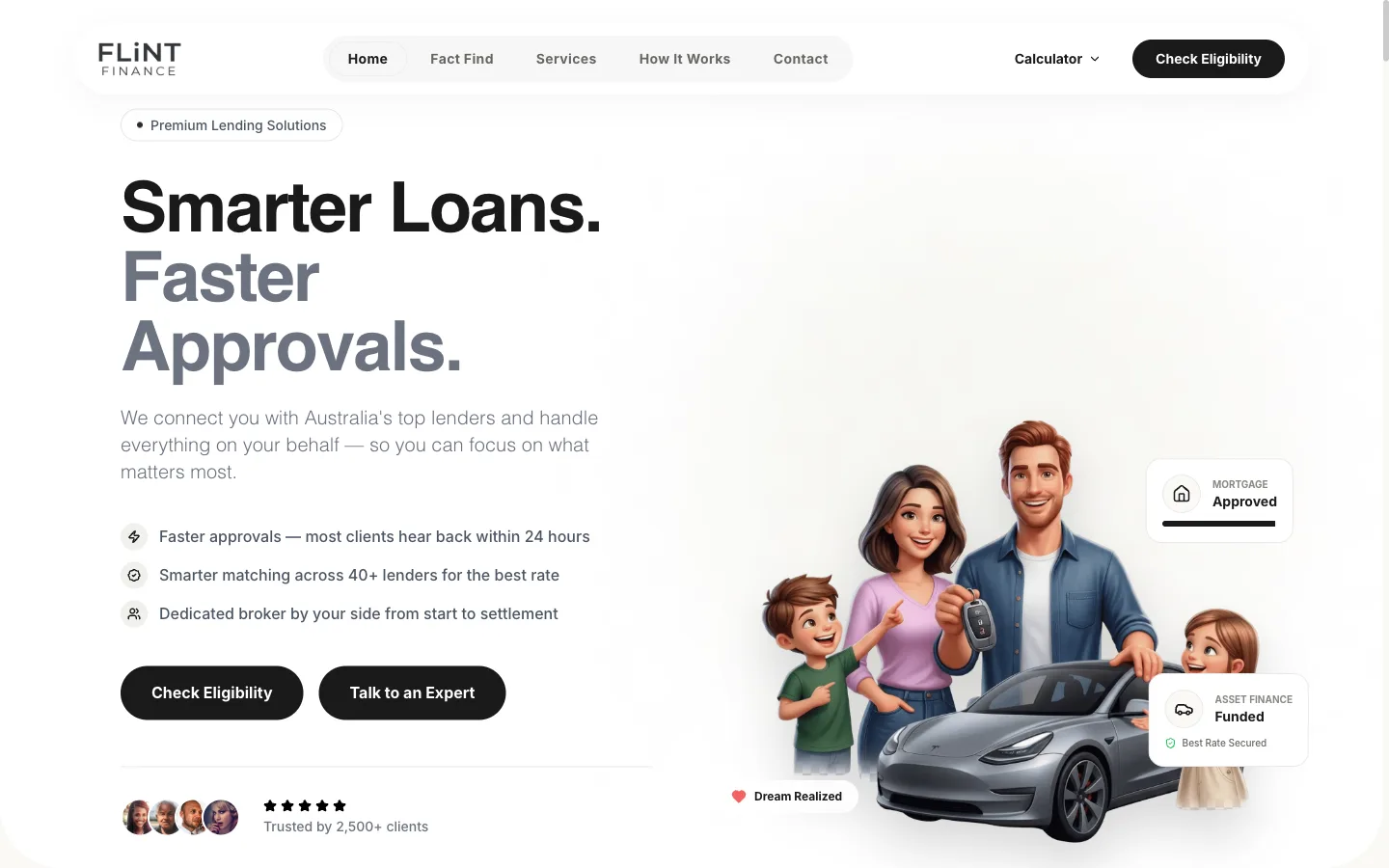
For Flint Finance we built an online Fact Find portal: clients create an account, answer guided questions with progress saved automatically, and receive a lender-ready PDF, then come back later to update their details and download it again.
Read the case studyCommon questions
Can a CRM include a client portal?
Some CRMs offer basic portals. If your clients need to complete detailed forms or you need specific documents generated, a custom portal connected to your CRM usually fits better.
Is a client portal secure?
It should be: individual sign-in, encrypted connections, clients only seeing their own information, and access you can revoke.
Do clients need to install an app?
No. A client portal runs in the browser on any phone or computer, and can be installable like an app if you want.
Which should we build first?
Whichever removes the most manual work. If chasing client information is the bottleneck, start with the portal; if leads are slipping, start with the CRM.