
How to track phone calls from your website and Google Ads
If customers book by phone, you need to know which pages, ads and channels make the phone ring. The simplest method records every tap on your website's call buttons with the page, button and traffic source. Tracking phone numbers go further by recording completed calls, and Google Ads can count calls from ads as conversions. Most small businesses should start with click tracking and add the others where they pay off.
Why should a small business track phone calls?
For salons, trades, clinics and many local services, the phone call is the conversion. Without tracking, your website and ad reports show visits and clicks but miss the moment that actually brings in work, so budget gets spent on the wrong channels.
What are the ways to track calls?
| Method | What it records | Good for |
|---|---|---|
| Click-to-call tracking | Every tap on a call button or phone link: page, button, traffic source and device. | Any website, especially mobile-heavy local businesses |
| Tracking phone numbers | Completed calls, duration and sometimes recordings, using a different number per channel or visitor. | Businesses that need to know which calls connected |
| Google Ads call conversions | Calls from ads and, where available, calls from your website after an ad click. | Businesses spending on Google Ads |
| Analytics events | Call clicks as events in Google Analytics 4 via Google Tag Manager. | Seeing calls alongside the rest of your web analytics |
Which call tracking method should you start with?
- 01
Start with click-to-call tracking
It works on every page and button, with no new phone numbers, and shows which pages and channels drive calls.
- 02
Send call clicks to Google Ads and Analytics
So campaigns are optimised towards calls rather than clicks.
- 03
Add tracking numbers if you need completed calls
Useful when you need call outcomes or have several offline channels such as print or signage.
What should a call tracking dashboard show?
- Calls per day, so you can spot trends and the effect of changes.
- Which pages and which buttons get the most taps.
- Where callers came from: Google search and Maps, Google Ads, social or direct.
- Mobile versus desktop.
- A CSV export for monthly reports.
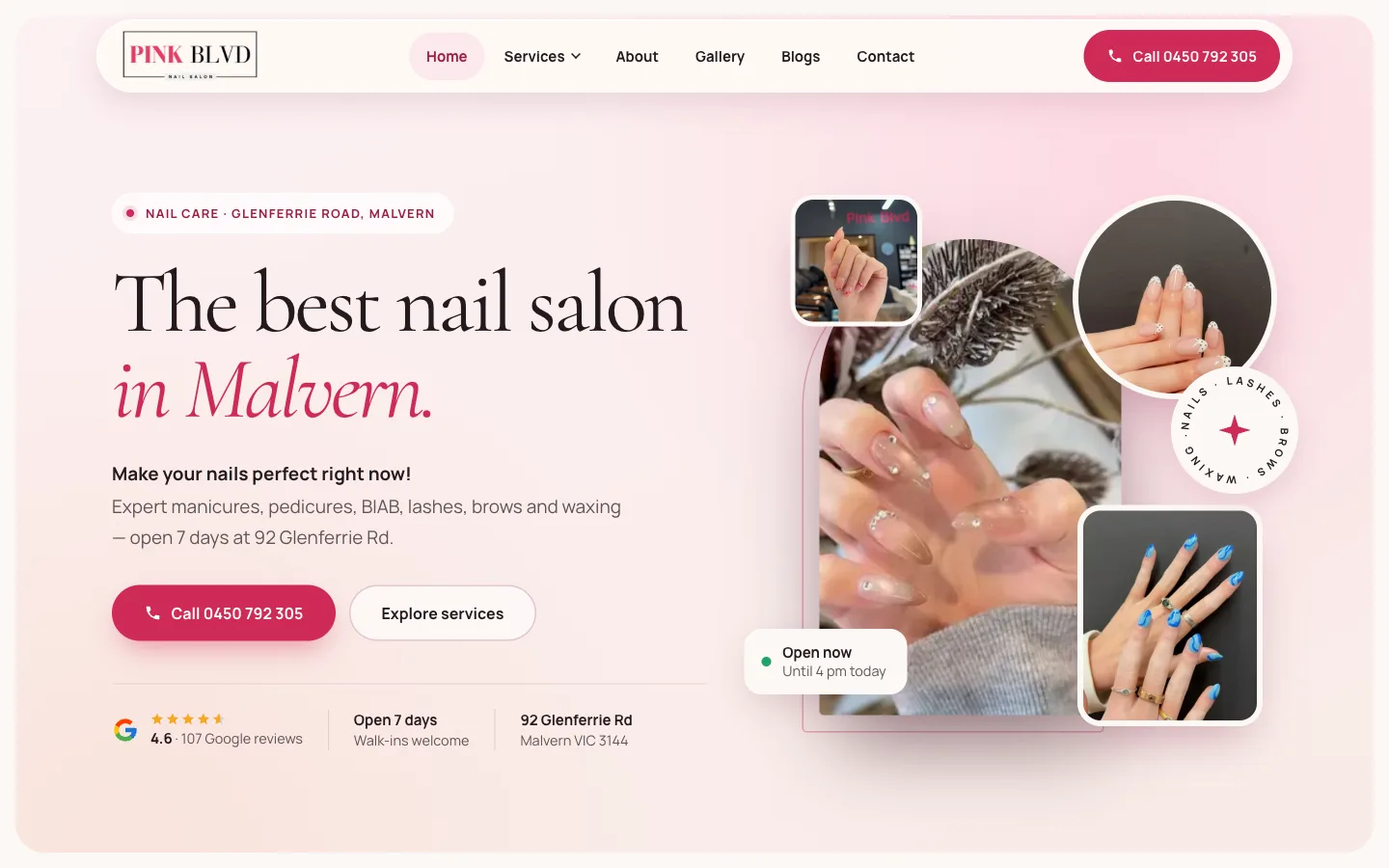
Pink Boulevard, a nail and beauty salon in Malvern, gets most bookings by phone. We built a private dashboard that records every tap on every Call button with the page, button, traffic source and device, and we run their Google Ads with calls as the goal.
Read the case studyCommon questions
Does click-to-call tracking count completed calls?
No. It counts taps that open the phone's dialler, which is the clearest signal of intent from your website. To record completed calls and durations you need tracking numbers.
Will tracking numbers hurt my local SEO?
Not if they're set up carefully. Keep your main number on your Google Business Profile and directories, and use tracking numbers on the website and in ads.
Can calls be counted as Google Ads conversions?
Yes. Calls from ads and call clicks on your website can be recorded as conversions, so Google's bidding works towards calls.
Is call tracking private?
Click tracking records which button was tapped and where the visitor came from, not who they are. If you record calls, tell callers and follow the privacy rules where you operate.